How to record lectures, and whether you are allowed to
4 min read
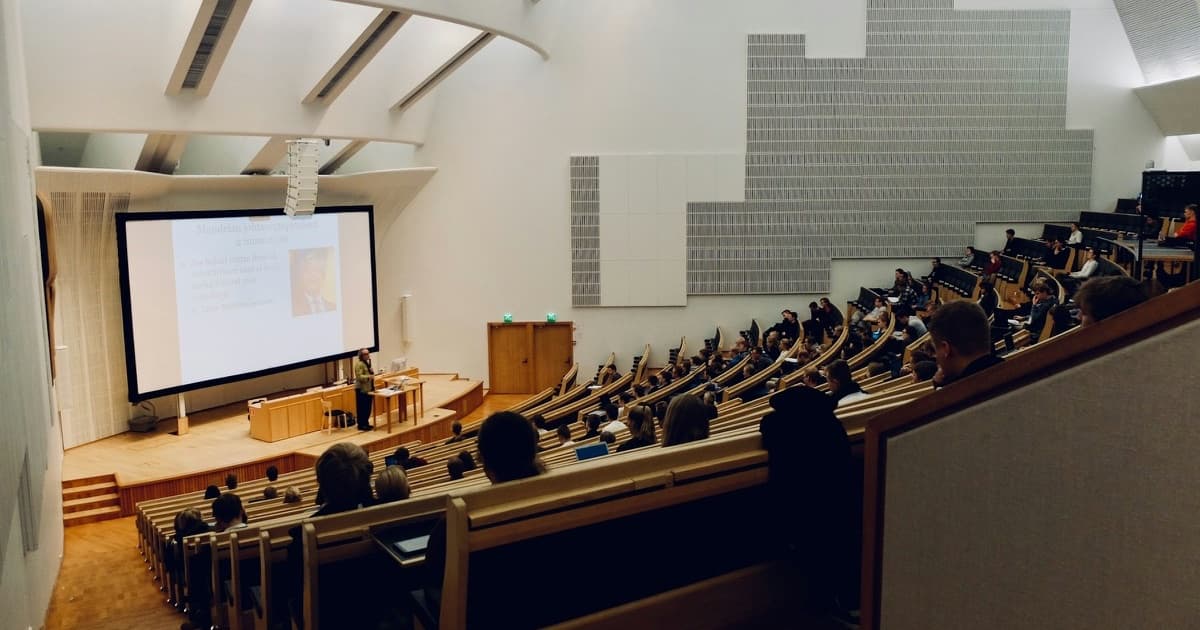
Recording a lecture means you can listen properly instead of racing to write every word down. It also means you have the whole thing to go back to when your notes do not make sense a week later.
Before you press record, though, you need to know whether you are allowed to. This covers when recording is fine, how to ask, how to get audio clear enough to use, and how to turn it into notes rather than a file you never open again.
Are you allowed to record a lecture?
Usually the answer depends on two things: the rules of your university or school, and the law where you live. Of the two, the rules of your university or school are the ones you will run into first.
- Many universities let students record lectures for their own study, and many already record them and post them online. Check your course page first. If the lecture is already recorded, you may not need your own copy.
- Some universities ask you to get the lecturer's permission first, or only allow recording as part of a learning or disability support plan.
- Most schools need the teacher's consent before a class is recorded, and many do not allow phones in class at all.
- Tutorials, labs and small classes are different from a lecture. Other students are talking, so ask before recording any of them.
Recording laws also differ between countries, and between states within some countries, especially for private conversations. A lecture is not usually a private conversation, but if you are unsure, ask. Asking is free, and a lecturer who says yes rarely minds afterwards.
How to ask
Keep it short and say why. A quick message before the first lecture works well: "Would you mind if I record your lectures for my own study? I will not share them." Most lecturers say yes, because a student who wants to go back over the content is a student who is trying.
If you have a support plan that includes recording, you do not need to ask each lecturer, but it is polite to let them know.
What you can and cannot do with a recording
A recording is for your own study. The lecture, its slides and its words belong to the lecturer or the university, so do not post it online, share it in a group chat or sell notes made from it unless you have been told you can. Classmates' voices are in it too.
Getting audio you can actually use
- Sit near the front, or near a speaker if the lecturer uses a microphone. Distance matters more than which phone or app you use.
- Put the device on the desk, not in a bag or pocket, and keep it still. Moving it around adds noise.
- Turn on Do Not Disturb so notifications do not interrupt or end the recording.
- Check the battery and storage before you start. An hour of audio is not small, and a phone that dies halfway through loses the end.
- Record a few seconds first and play them back, at least the first time in a new room.
Still take some notes
A recording is not a reason to stop paying attention. Write down the main headings, anything on the board, and the time when something confusing comes up, so you know where to look later. These notes are short, but they are what makes the recording easy to use.
Turning a recording into notes
Most recordings are never listened to again. An hour of audio takes an hour to replay, and it is hard to find the one part you need. The recording becomes useful once it is turned into something you can read.
- Get a transcript. Many phones and apps can now transcribe audio, so you do not have to type it out.
- Pull out the main ideas, definitions and examples into proper notes, organised under headings.
- Check the notes against the slides or the textbook, since transcription gets technical words and names wrong.
- Within a day or two, test yourself on the notes rather than only re-reading them.
How Grasp does it
Grasp records the lecture in your browser on a laptop or phone, transcribes it as it goes, and writes your notes while the lecture is still running, so you can watch them build. You can pause and carry on. When you stop, the notes are saved into that subject's notebook, where you can edit them, highlight a line to have it explained, or make a quiz from them.
The audio itself is not kept, only the notes, so it is not a way to replay a lecture later. You still need permission to record, and it is still worth reading the notes through once and fixing anything that is off.
Record your next lecture with Grasp
Press record and Grasp writes your notes while the lecture is still going.
Start recording